
In short
Many ships now use modern satellite internet, fast enough for email, cloud documents and often video calls. For calls, choose the highest package on the device you work on. Expect slower moments: in fjords, near some coasts and when everyone is online. Keep a backup — a local SIM or eSIM in port — and check with your employer whether working abroad is allowed.
How internet at sea works today
- Via satellite. At sea there are no land masts; the ship connects through satellites. Many ships have switched to newer low-orbit systems, which are much faster than a few years ago.
- The speed varies: by region, the weather, the ship's position and how many guests are online at the same time.
- Weak spots: deep fjords, some coasts and polar regions; sometimes a few minutes without a connection when the ship turns.
- In port the ship's Wi-Fi keeps working, and you can also use mobile data or a local SIM. See internet and phone for the settings that avoid a surprise bill.
Which internet package you need
| Package type | Good for | Usually not enough for |
|---|---|---|
| Messaging only | Chat apps, short messages | Email with attachments, web, work |
| Standard / browsing | Email, web, cloud documents, work chats | Video calls, large uploads |
| Premium / streaming | Video calls, streaming, larger files | Guaranteed speed at every moment |
- Packages are often per device. Plan which device you work on; a second device costs extra on many lines.
- Buying before the cruise is often cheaper than on board. Some fares and cabin categories include a package.
- Test it on day one: a short video call to a colleague tells you more than any description.

What works well — and what needs a plan B
- Works well: email, cloud documents, work chats, project tools, most browser-based work.
- Needs a plan B: client calls at a fixed time, presentations, large uploads, a company VPN (which can be slow on ship networks).
- Backup in port: a local SIM or eSIM, your phone as a hotspot, or a café with Wi-Fi in town. Schedule important calls on port days where possible.
- Download in advance what you need offline: documents, presentations, maps.
- At sea, keep the phone in airplane mode with Wi-Fi on, so it does not connect to the ship's expensive mobile network.
Where to work on board
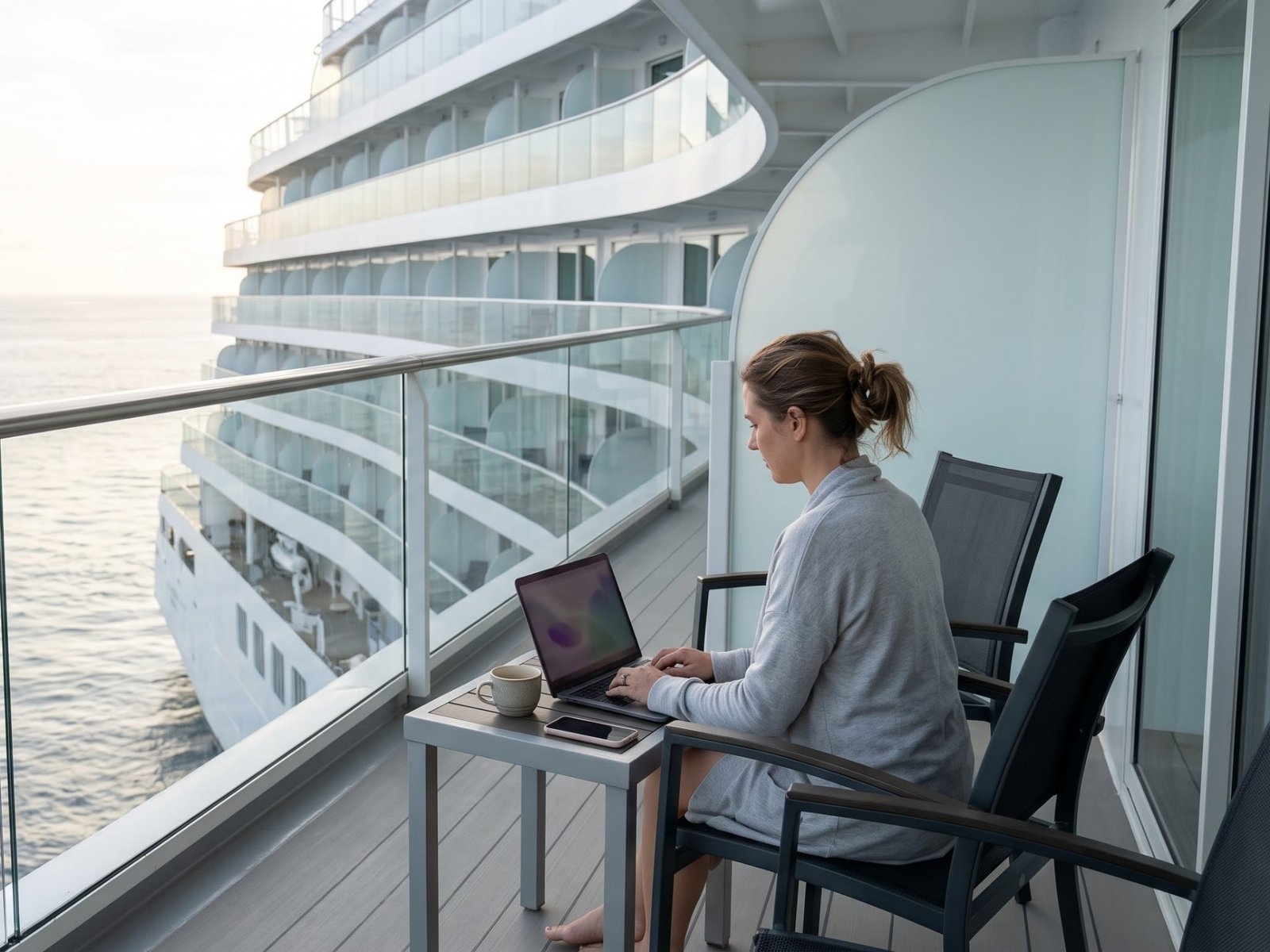
- A cabin with a balcony or a window: quiet, your own desk and a view. More in how to choose a cabin.
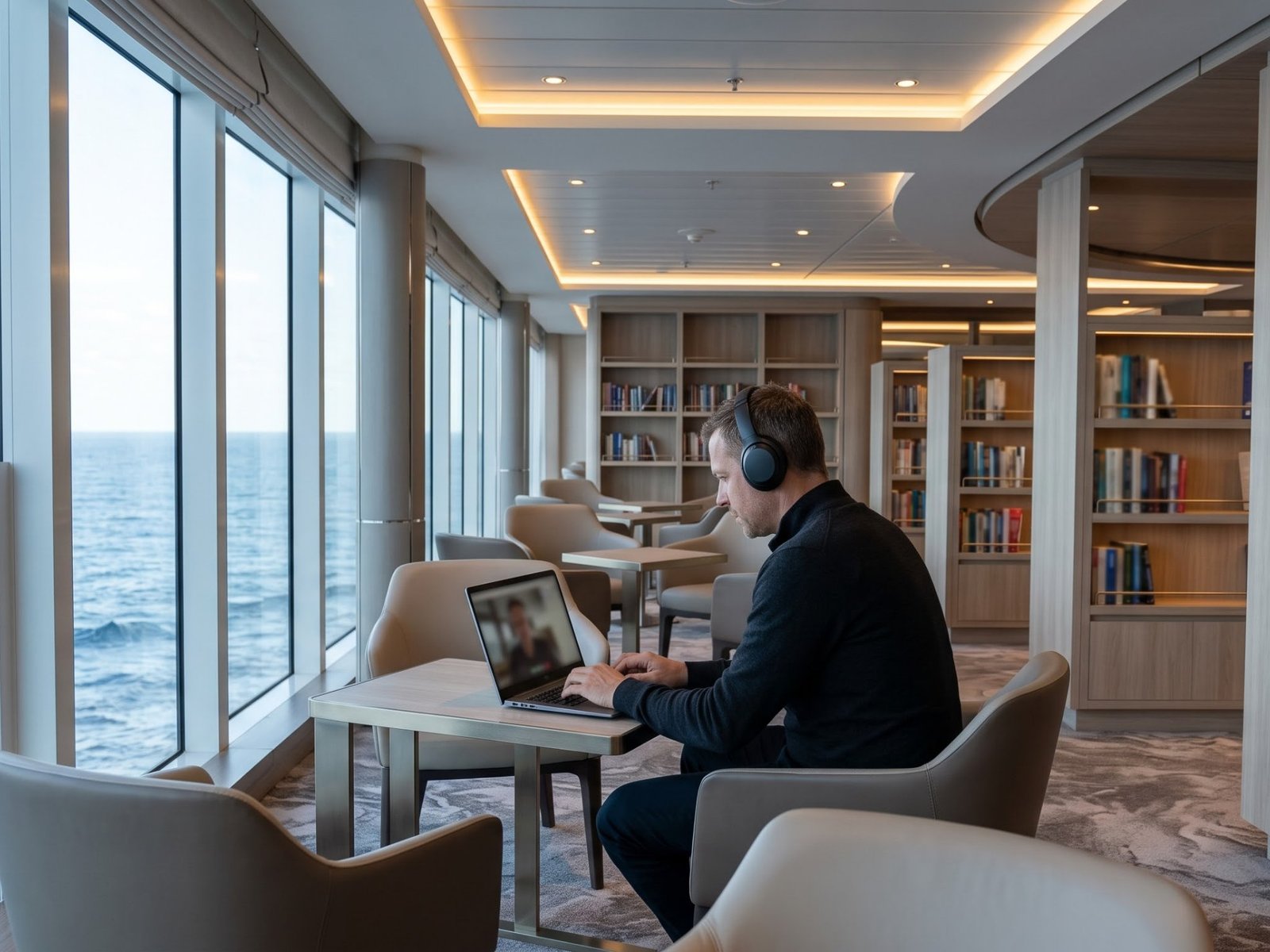
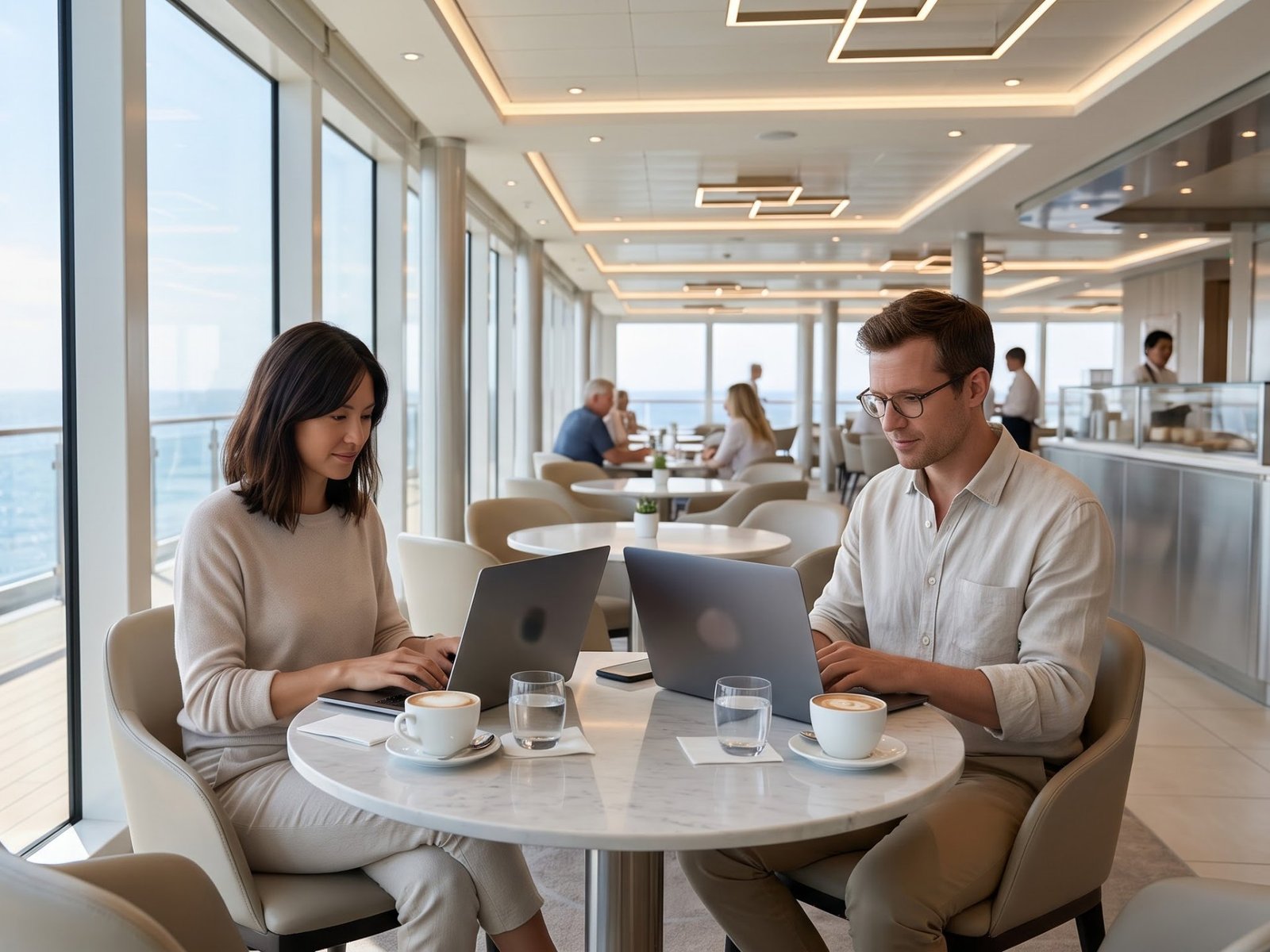
- The library and quiet lounges are calm in the morning; cafés are busier after breakfast.
- Avoid the pool deck for calls: wind, music and sun on the screen.
- Power: cabins often have few sockets, in European and/or US format. Bring an adapter and a multi-port USB charger; power strips with surge protection are not allowed on many ships.
- Noise-cancelling headphones help in public areas.
Plan your days and time zones
- The ship changes time on some routes, sometimes at night. Check the ship's time against your team's time every evening.
- Busy hours: the network is busiest in the evening and on sea days, when everyone is on board. Early morning is often the best time to work.
- Tell your team in advance that there may be short gaps, and share your working hours in their time zone.
- Port days: decide in advance whether you go ashore or work. Working on board when most guests are ashore is often the quietest time.
Employer, taxes and security
- Ask your employer whether working from abroad, or from a ship, is allowed. Some companies have rules on locations and data.
- Days worked in other countries can matter for tax and social insurance on longer trips. Check with your employer or an adviser.
- Security: use your company VPN if it is required, lock your laptop in public areas and keep devices in the cabin safe when you go ashore.
- Insurance: check whether your travel insurance covers laptops and phones. See travel insurance.
Common questions
Can I make video calls from a cruise ship?
On many ships today, yes, with the highest internet package. The connection can still drop for a few minutes, so keep important calls short or plan them for port days.
Is internet included in the cruise price?
Usually not: most lines sell packages per device. Some fares and cabin categories include a package. Check what your booking includes.
Does my phone work at sea?
Not with normal roaming: at sea the phone may connect to the ship's satellite network, which is very expensive. Use airplane mode with Wi-Fi on and the ship's package.
Can I work full time on a long cruise?
Many people do, especially with tasks that do not depend on fixed call times. Plan a backup for weak connections and check your employer's rules and the tax side.
Which cruises suit remote work best?
Routes with ports most days and a modern ship. Long ocean crossings have many sea days: lots of time, but everyone is online at once.
How the club fits in
In the club's search you see the ship and the itinerary, so you can choose a modern ship and a route that fits your working days. Internet packages are bought from the cruise line, as usual. Not every cruise line can be booked through the club: check the specific sailing. More about booking with points.
General information; internet speed, packages and power rules differ by cruise line, ship and route and can change. This is not tax or legal advice. Reislite is an independent information site run by partners, not a website of inCruises.